
Every product team hits a wall at some point. A part goes obsolete, a supplier closes, or a drawing goes missing. Deadlines do not move, though. Many engineers now solve these problems with 3D Reverse Engineering. This method captures the exact geometry of a physical part and turns it into a usable digital model. You skip guesswork, cut rework, and move to production faster.
This article explains how reverse engineering and CAD modeling work together. You will see which design problems they solve, how the process runs step by step, and how to get the best results.
Why Product Design Challenges Keep Teams Stuck
Product design rarely fails because of a lack of talent. It fails because of missing information. Teams lose time when they work from outdated drawings, incomplete files, or hand measurements.
Here are the problems engineers report most often:
- Legacy parts with no documentation
- Poor fit between mating components
- Long prototype cycles that drain budgets
- Design changes that break existing assemblies
- Quality issues found too late in production
Each problem traces back to the same root cause. The team does not have accurate data. Accurate data lets engineers make better decisions early. That is where 3D scanning and CAD modeling make a real difference.
What Is 3D Reverse Engineering?
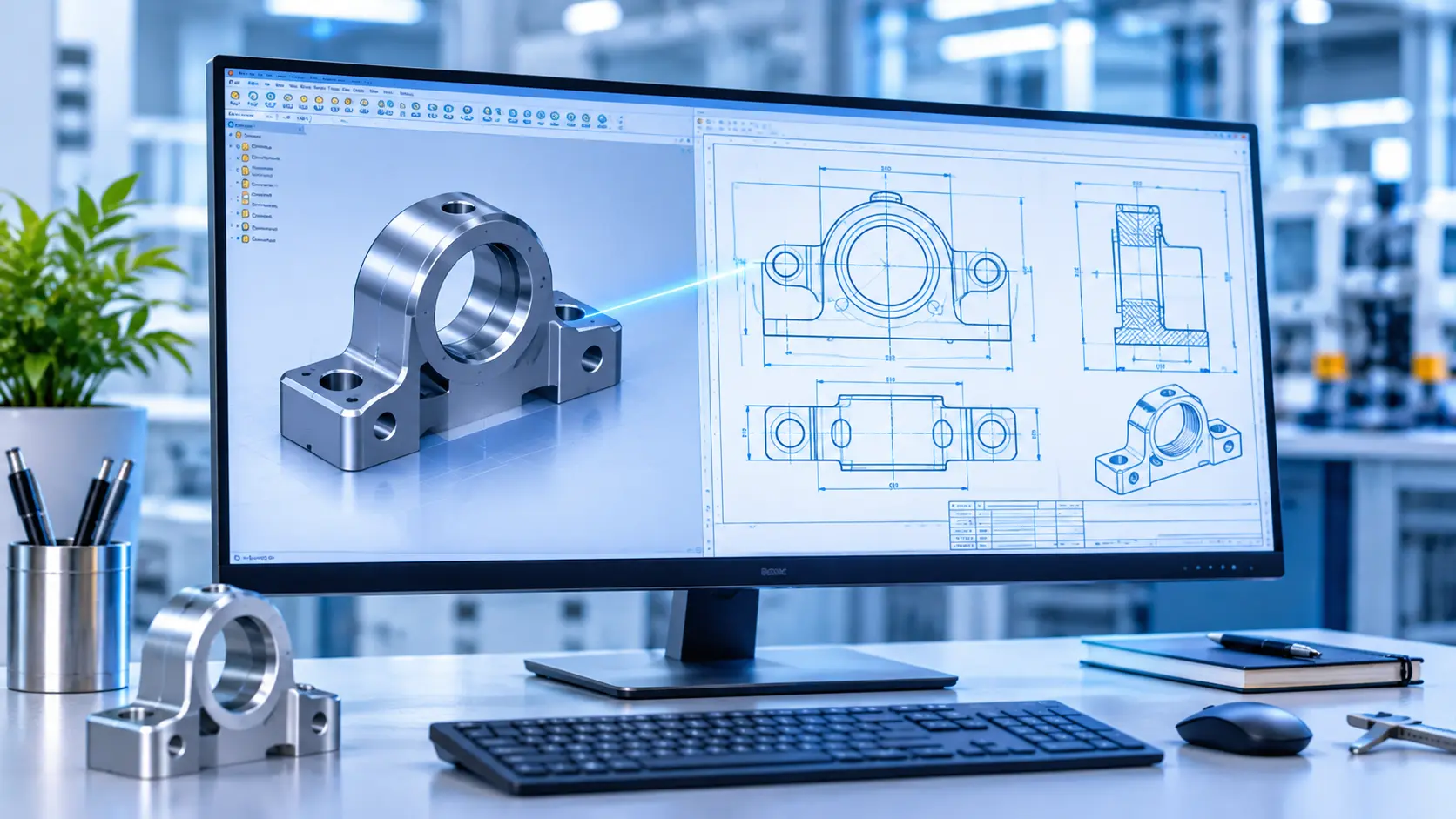
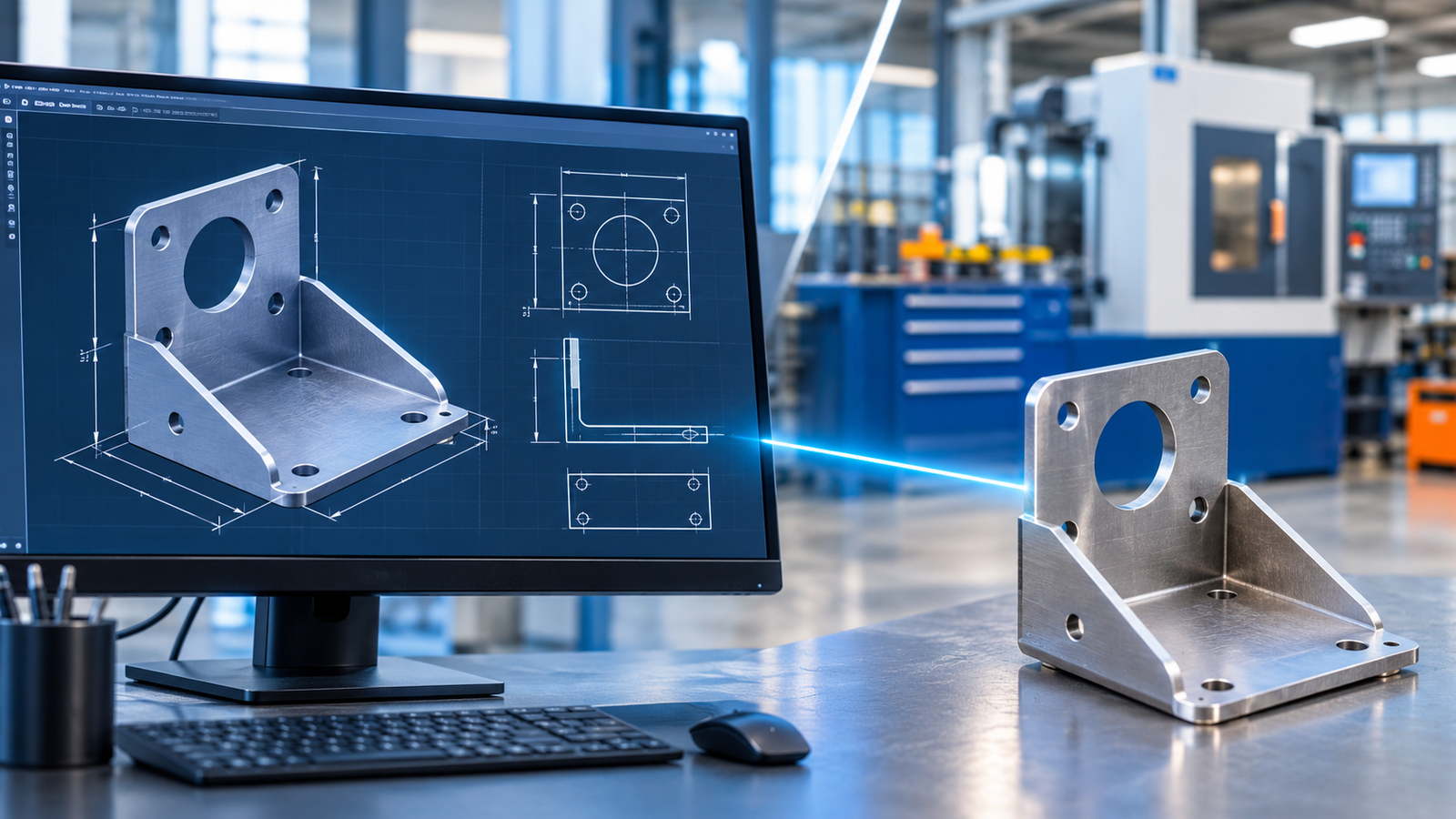
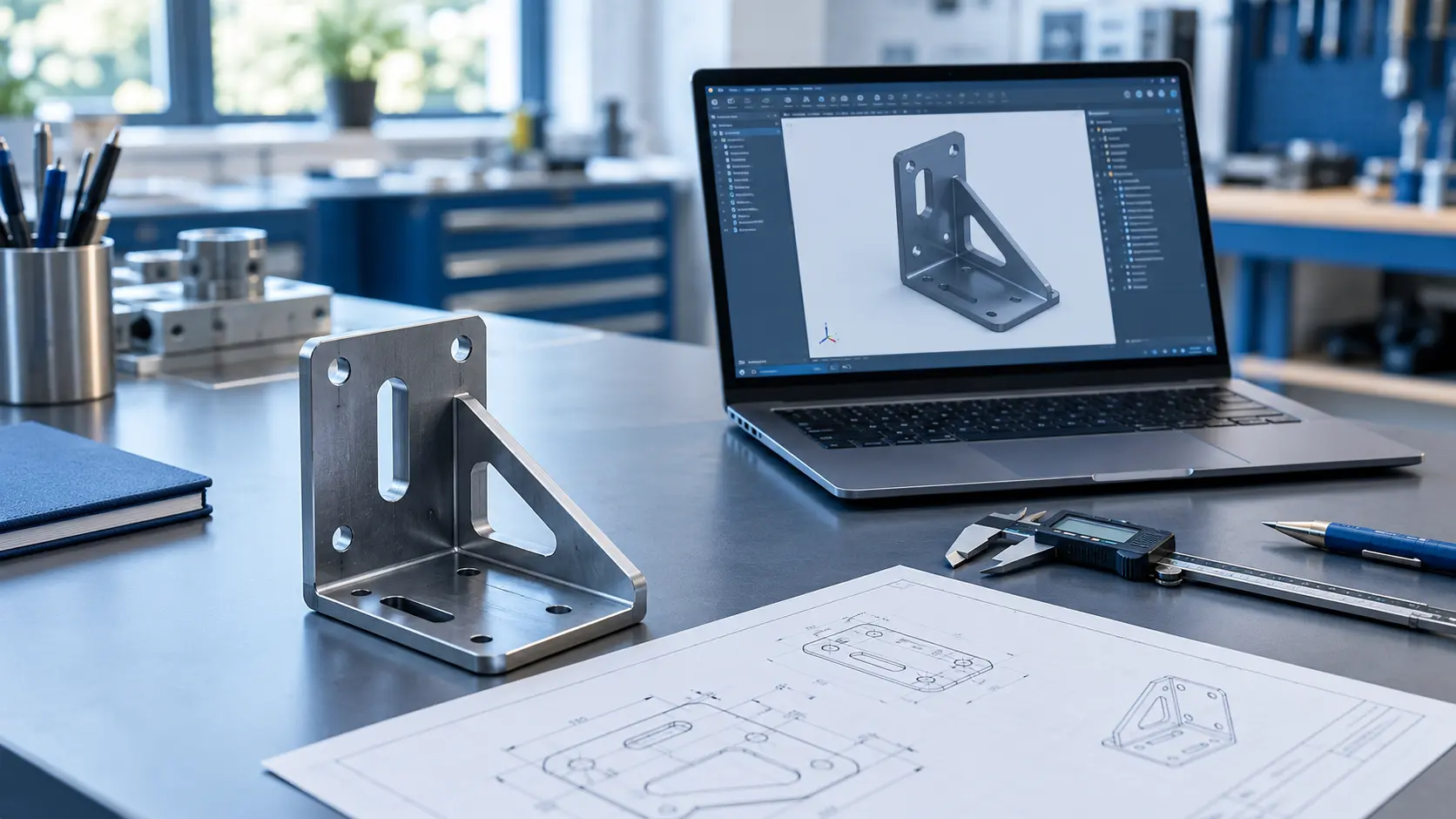
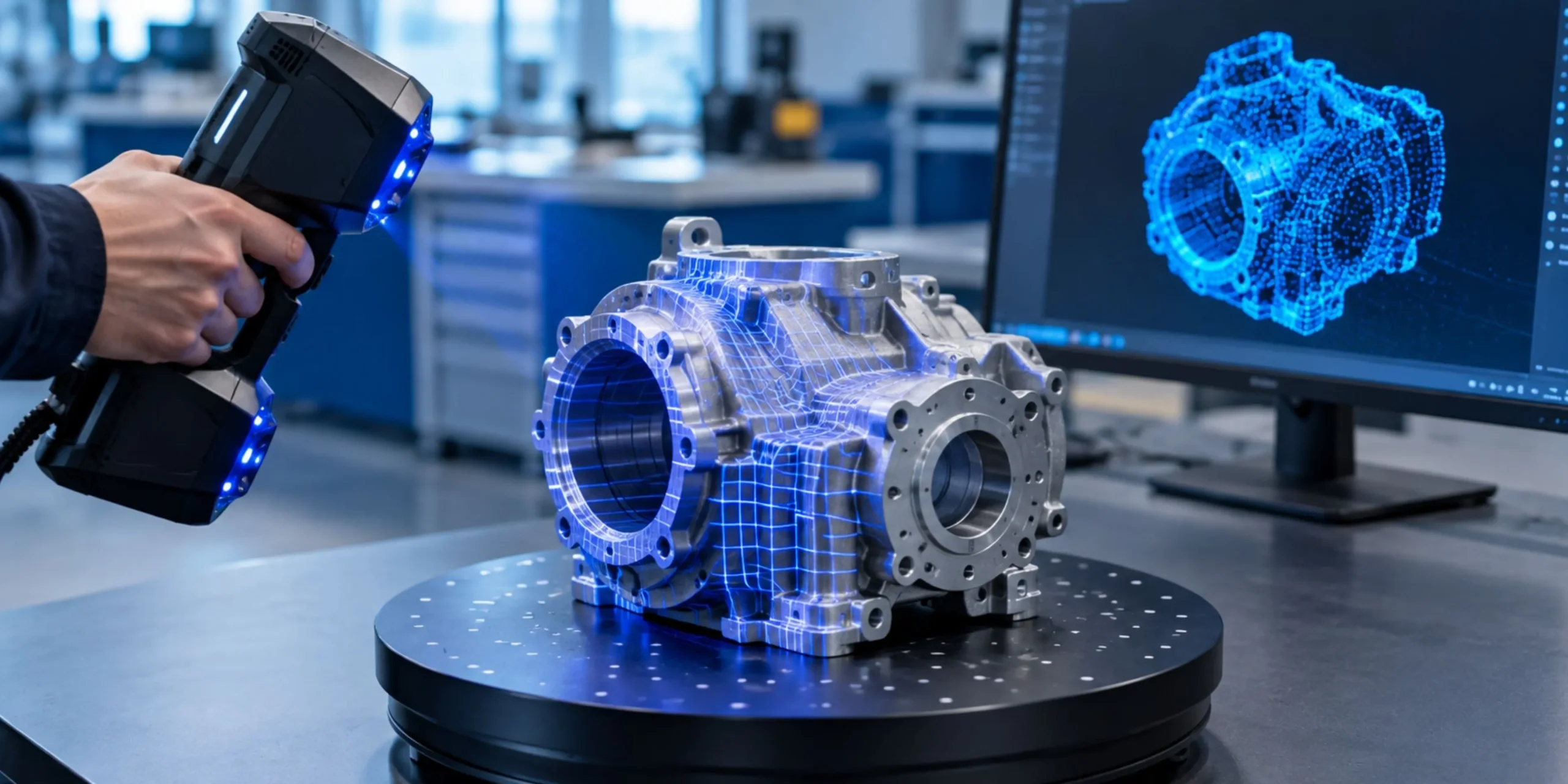
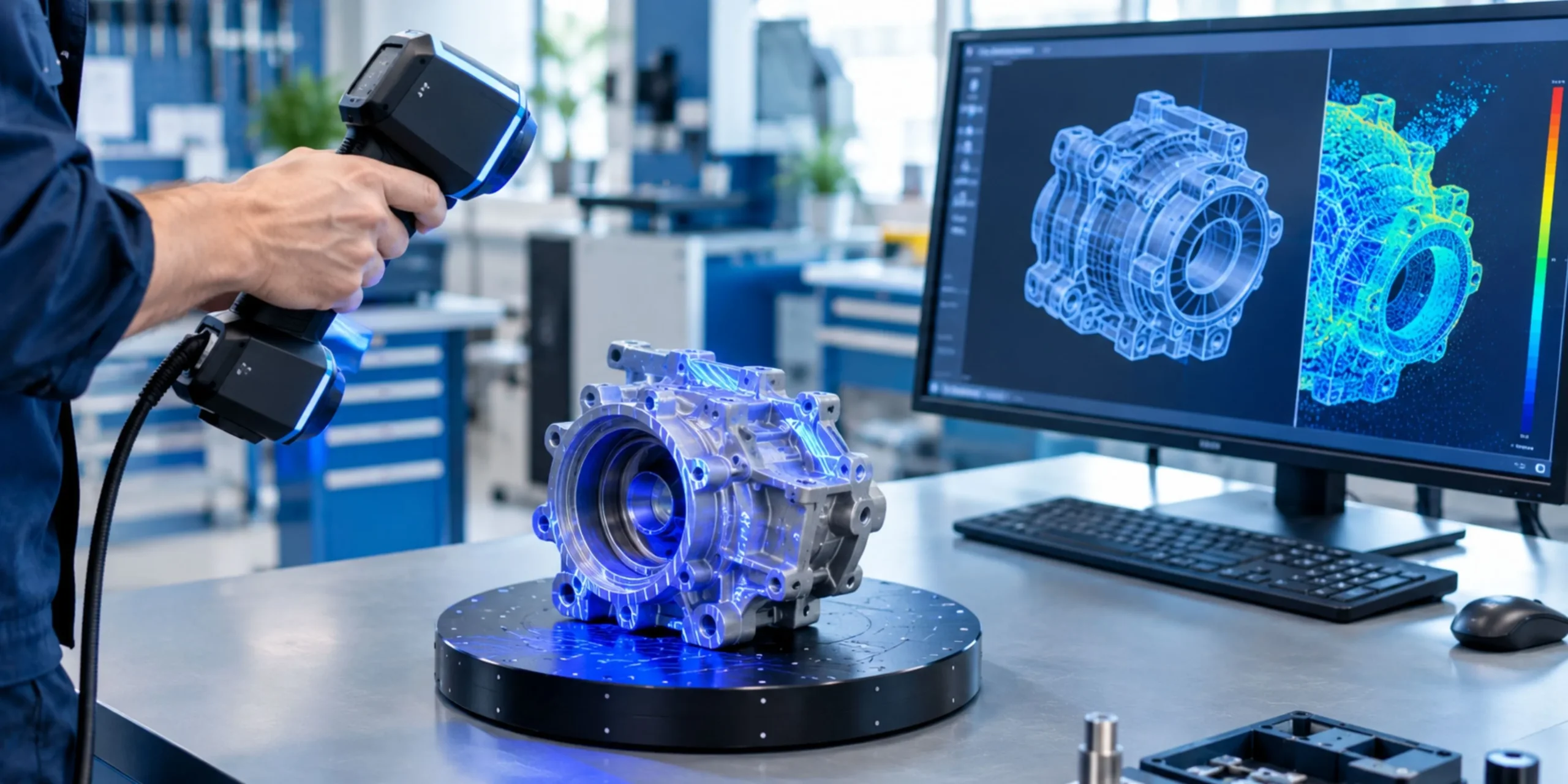
3D reverse engineering is the process of capturing a physical object and rebuilding it as a digital model. Engineers use laser scanners or structured light scanners to collect millions of data points. Software then turns those points into a surface or solid model.
Think of it as a photocopy for three-dimensional objects. The scan records what exists, including wear, warping, and tiny surface details. Engineers then clean up that data and build a model you can edit, test, and manufacture.
How the Process Works
The workflow follows five clear steps:
- Scan the part: Technicians capture the full geometry with a 3D scanner.
- Process the point cloud: Software removes noise and aligns the scan data.
- Create a mesh: The cloud becomes a polygon surface that shows the part’s shape.
- Build the CAD model: Designers convert the mesh into parametric solid geometry.
- Verify accuracy: The team compares the CAD model against the original scan.
Each step protects the quality of the final model. Skip one, and errors multiply downstream.
When You Should Choose Reverse Engineering
Reverse engineering makes sense in many situations. You need it when original files are lost. You need it when you want to improve an existing part. You also need it when a competitor product requires analysis for compatibility.
Most teams choose it for speed. A skilled team can scan and model a complex part in days. Rebuilding the same part from manual measurements can take weeks.
Where CAD Modeling Fits In
A scan alone does not finish the job. A scan shows you what a part looks like today. CAD modeling lets you control what it becomes tomorrow.
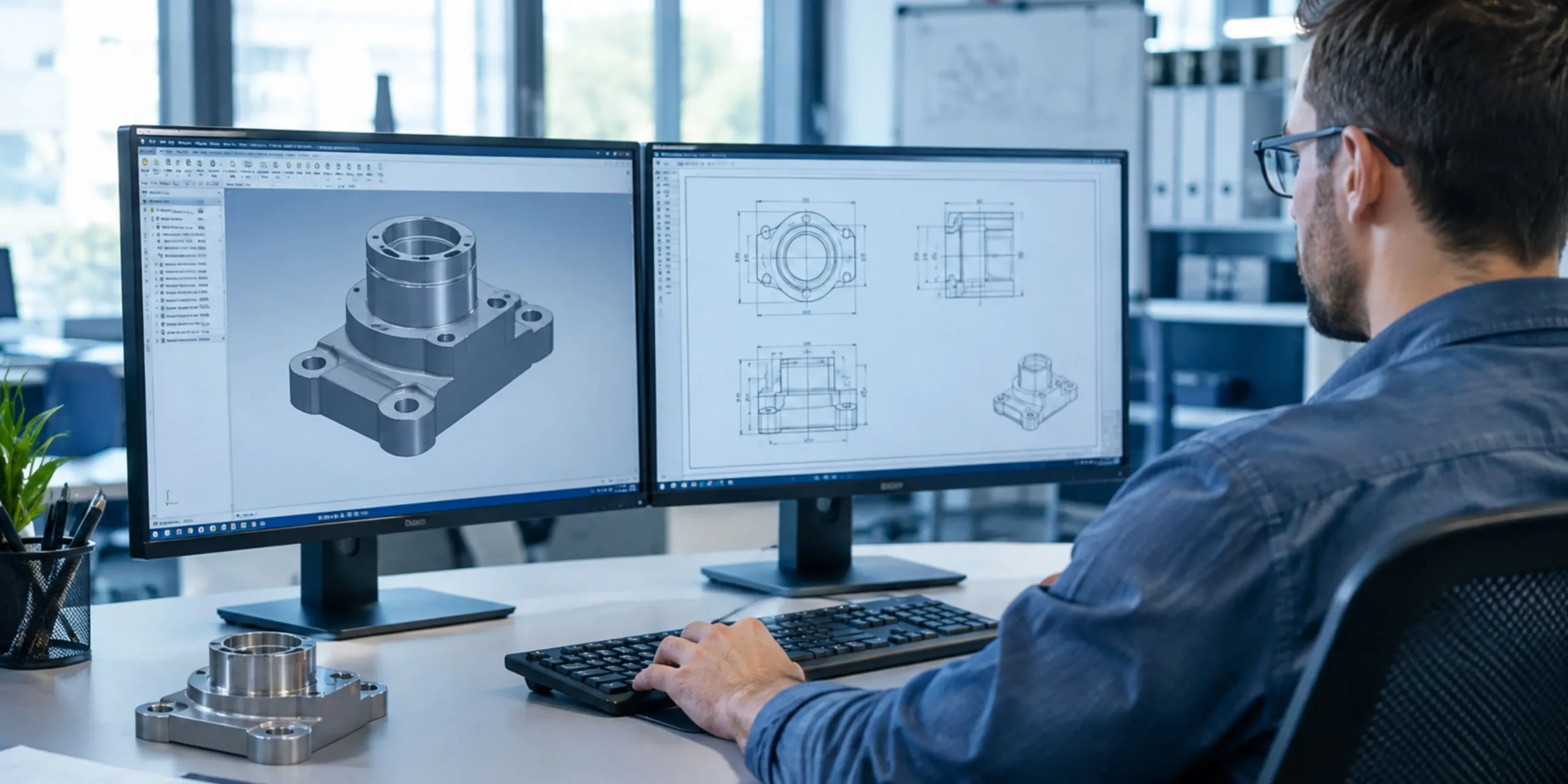
With 3D CAD Modeling Services, engineers turn raw scan data into intelligent models. These models carry dimensions, features, and design intent. Your team can change a hole diameter, adjust a wall thickness, or test a new material in minutes.
For a deeper look at the full workflow, read this complete guide to CAD design services for manufacturing. It covers file formats, modeling standards, and production handoff in detail.
Why Parametric Models Matter
Parametric models store relationships between features. When you change one dimension, the connected features update automatically. This saves hours of manual edits.
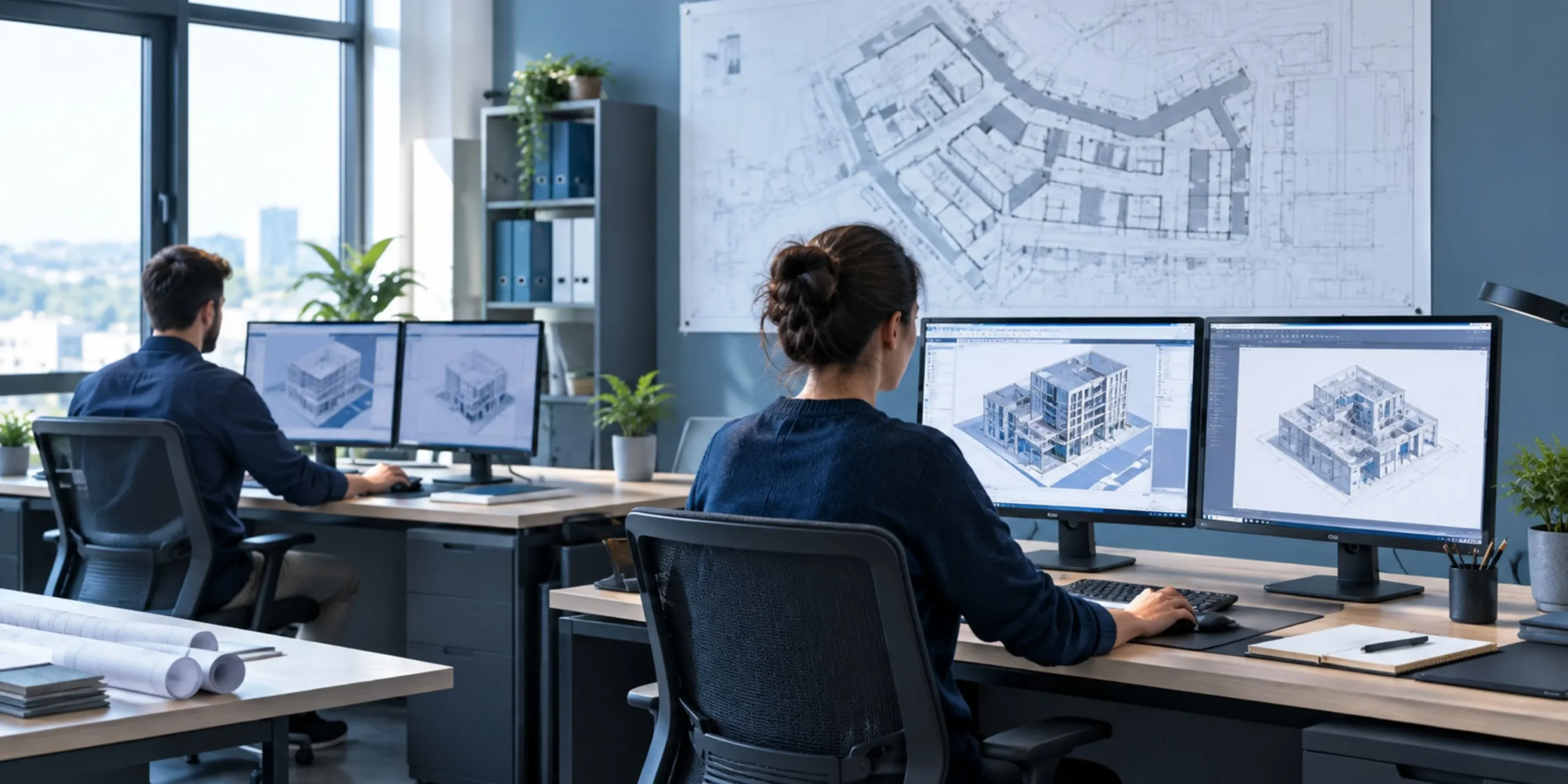
Parametric CAD also improves collaboration. Designers, machinists, and quality inspectors all read the same model. Everyone works from one source of truth. That reduces miscommunication and costly mistakes.
Common Design Challenges and How These Methods Solve Them
Let us walk through the biggest pain points and the fixes that work.
Challenge 1: Legacy and Obsolete Parts
Old equipment often runs on parts nobody manufactures anymore. The original drawings may sit in a closed supplier’s archive, or they may not exist at all.
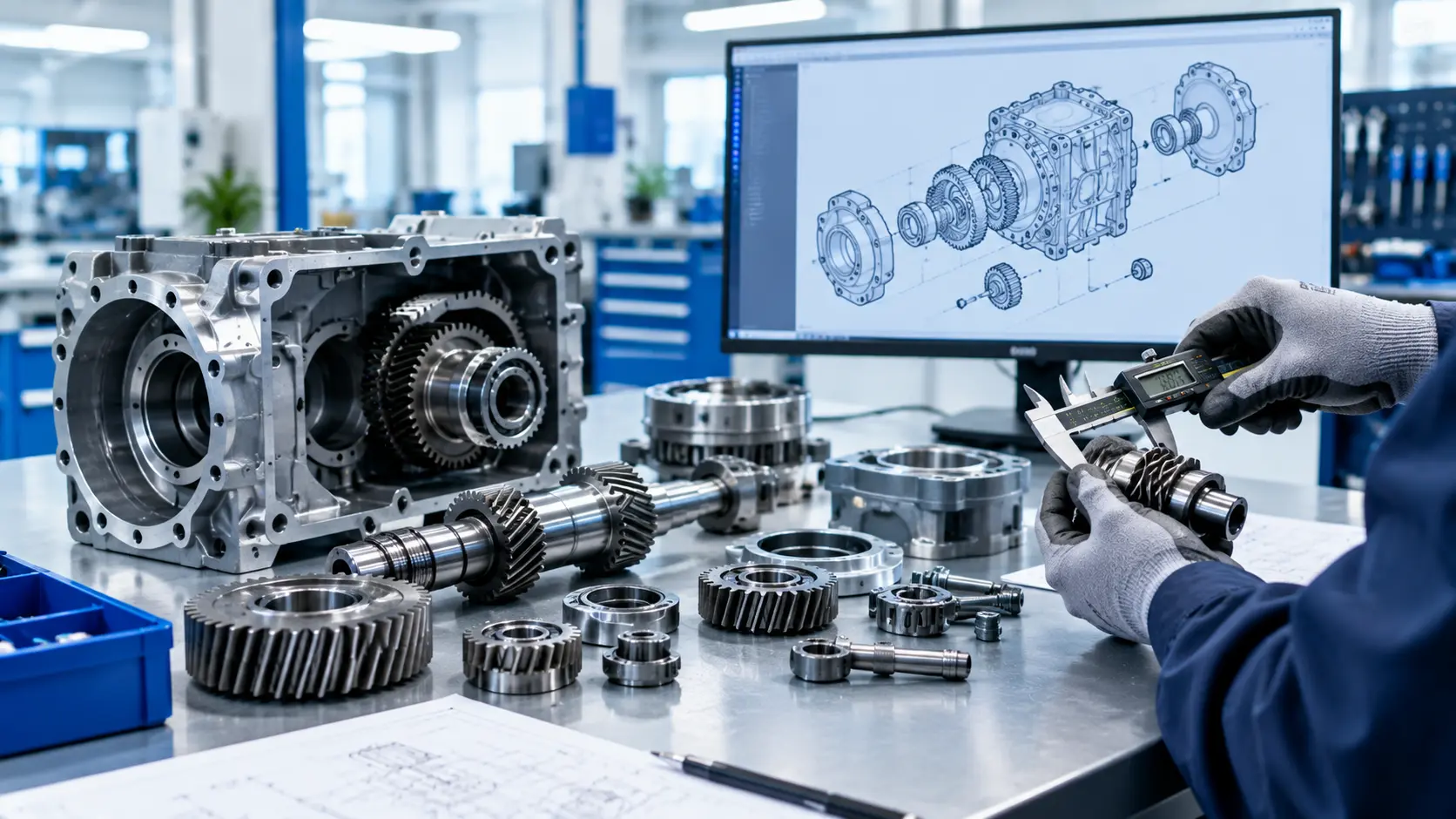
Reverse engineering solves this directly. You scan the worn part, model the original geometry, and restore the design. Engineers can even correct the wear patterns during modeling. The new part performs better than the old one.
Challenge 2: Poor Fit and Tolerance Errors
Parts that do not fit together waste time and material. Hand measurements often miss subtle curves and angles. Small errors add up across an assembly.
Scanning captures surfaces with very high precision. Engineers then run a deviation analysis. This analysis shows exactly where a part differs from its intended shape. Teams catch fit problems before they reach the shop floor.
Challenge 3: Slow Prototyping Cycles
Traditional prototyping repeats the same loop. Design, build, test, fail, and redesign. Every loop costs money.
Digital models shorten that loop. Teams run simulations on the CAD model before they cut any material. They test stress, heat, and motion on screen. Physical prototypes then confirm a design that already works.
Challenge 4: Redesigning Existing Products
Sometimes you want to improve a product rather than replicate it. Maybe you need to cut weight, reduce cost, or switch materials.
Reverse engineering gives you a trusted starting point. You begin with real geometry instead of a rough sketch. Designers then optimize the model for the new goal. This approach lowers risk because the base data is accurate.
Challenge 5: Quality Control and Inspection
Quality teams need a reliable reference to measure against. A CAD model made from a verified scan serves as that reference. Inspectors overlay new production parts onto the model and spot deviations at a glance.
How Much Time and Money Can You Save?
Digital workflows pay off quickly. Accurate models cut the number of physical prototypes you need. Fewer prototypes mean lower material and machining costs. Clean data also reduces back-and-forth between design and manufacturing teams.
Speed matters just as much as cost. Teams that scan and model early reach production sooner. They also spot errors while changes are still cheap. A fix on screen costs a few minutes. A fix on the shop floor costs days.
Industries That Benefit Most
Many sectors rely on these methods every day. Each one gains something different.
- Automotive: Teams recreate discontinued components and speed up custom builds.
- Aerospace: Engineers inspect complex surfaces and document aging parts.
- Medical devices: Designers create precise models for implants and instruments.
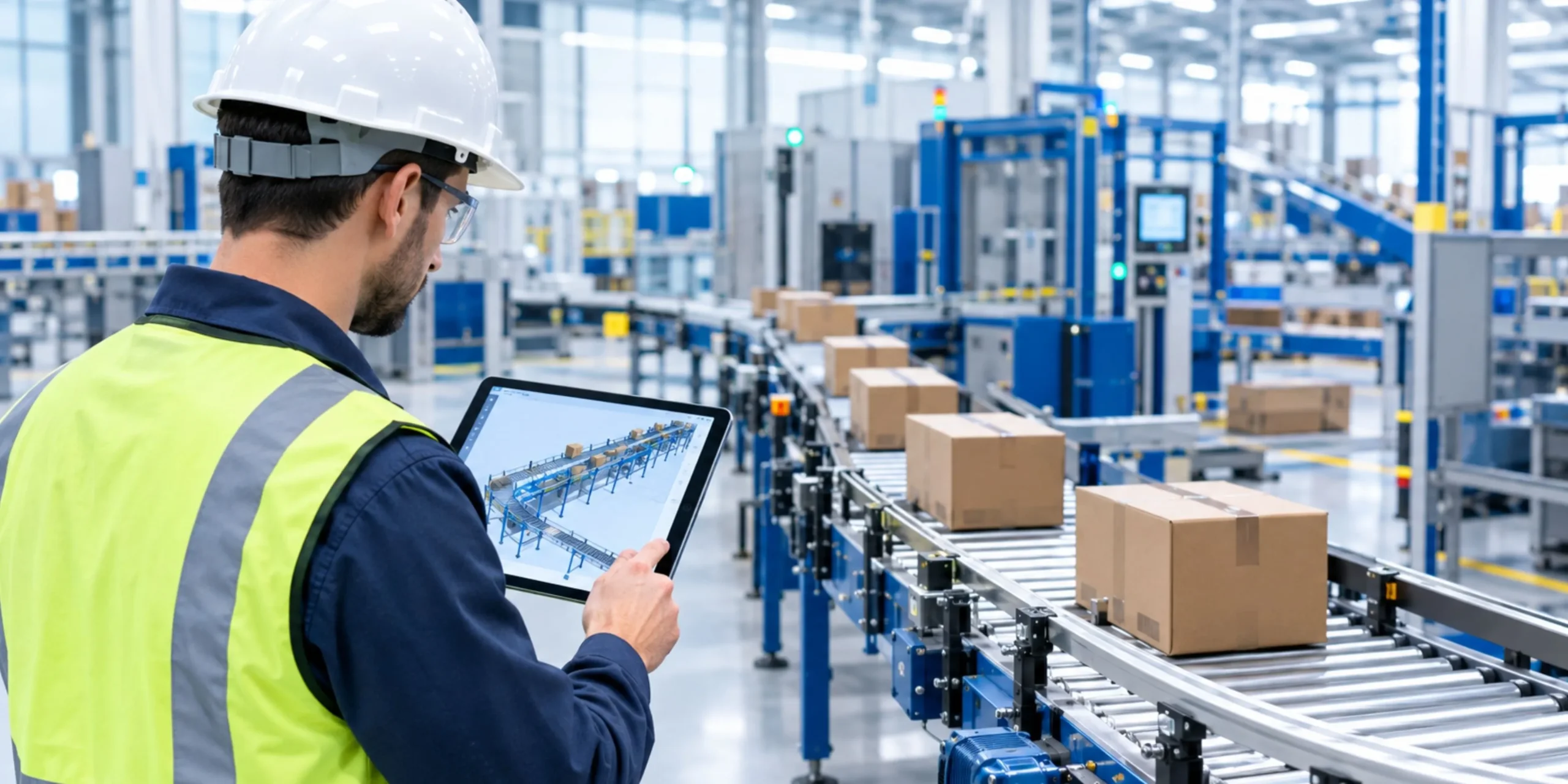
- Industrial machinery: Plants restore old equipment without waiting for new orders.
- Consumer products: Brands refine ergonomic shapes and shorten launch timelines.
The pattern stays consistent across industries. Better data leads to better decisions.
Best Practices for Better Results
You can improve your outcomes with a few simple habits. Follow these tips on your next project.
Define your goal first: Decide whether you need an exact copy or an improved design. This choice shapes the scanning and modeling approach.
Prepare the part: Clean the surface before scanning. Shiny or transparent parts may need a light matte coating for accurate capture.
Choose the right accuracy level: A decorative part does not need the same tolerance as an engine component. Match the precision to the real need.
Keep design intent in mind: A good CAD model does more than copy a shape. It reflects how the part works and how someone will manufacture it.
Validate before you build: Always compare the final model to the scan data. A short check now prevents expensive scrap later.
Work with experienced engineers: Software does not replace judgment. Skilled modelers know when to smooth a worn surface and when to keep a feature exactly as scanned.
Final Thoughts
Product design challenges will always appear. Missing drawings, tight tolerances, and slow prototypes are part of engineering life. You do not have to let them stall your project. 3D reverse engineering gives you accurate data, and CAD modeling turns that data into models you can edit, test, and build.
If you want a partner who handles both steps with care, explore what KEYWAY offers. Their team supports engineers from first scan to final model. You can also follow their latest insights and project updates on LinkedIn.
Start with one challenging part. Scan it, model it, and see how much time you save. Once you see the results, you will want to use this approach on every project.