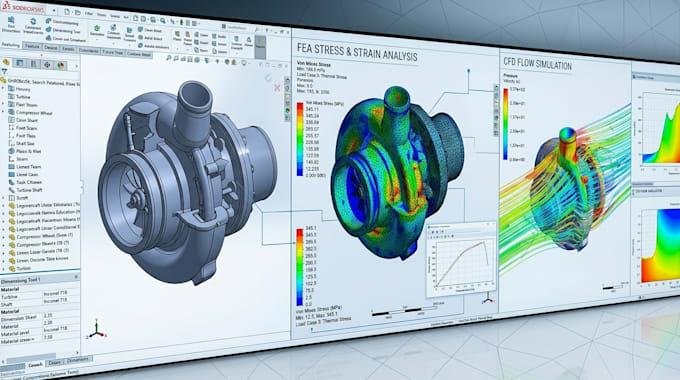

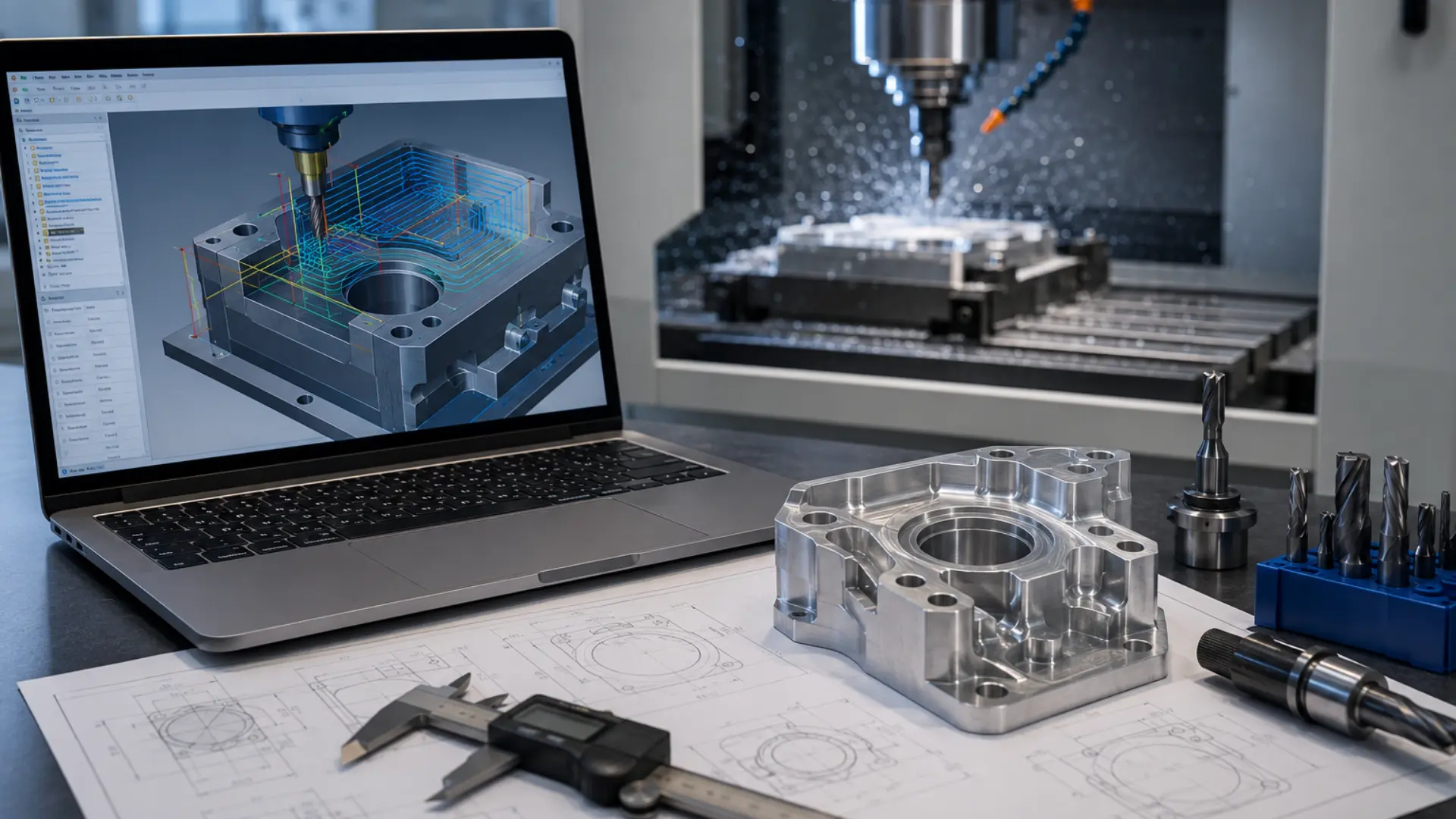
Manufacturing teams face constant pressure to cut costs, boost speed, and maintain top tier quality. That is exactly where a reliable SolidWorks CAM Service becomes valuable. This service connects design and production in one smooth workflow. Machinists spend less time troubleshooting and more time cutting parts correctly the first time. In this article, we walk through the best ways to optimize your machining process using advanced SolidWorks CAM tools, back it with current industry data, and explain why the right approach can transform your shop floor efficiency.
Why Machining Optimization Matters Today
Modern manufacturers cannot afford wasted material, idle machines, or long changeover times. Every minute a CNC machine sits without cutting costs money. Optimized machining reduces scrap, shortens lead times, and helps shops meet tighter delivery windows.
Companies that invest in smarter CAM programming often see fewer errors on the shop floor. They also spend less on rework. When toolpaths are planned correctly from the start, operators trust the program and run it with confidence.
The Data: What CAM Optimization Actually Delivers
Toolpath and simulation improvements aren’t just theoretical — shops that adopt smarter CAM programming report measurable gains across cycle time, tool life, and rework:
- CNC optimization software can reduce cycle times by 25% to 70%, even on programs already generated by CAM systems, and can extend tool life by 100% or more by keeping chip thickness and cutter load constant (Modern Machine Shop).
- High efficiency roughing strategies built into modern CAM systems can cut roughing cycle times by as much as 80% compared to traditional hogging passes, though total part cycle time gains depend on how much of the job is roughing versus finishing.
- SolidCAM’s iMachining technology, one of the toolpath engines available inside SolidWorks-integrated CAM workflows, reports cycle time reductions of up to 70% on roughing operations and tool life extension of up to 5x.
- A 2025 case review of a modern CAM stack found average cycle time down 35% on recurring parts, 70% fewer post-program manual edits, and a 20% reduction in rework linked directly to collision prevention in simulation.
At a glance:
| Metric | Reported Improvement | Source |
| Roughing cycle time cut | Up to 70% | Modern Machine Shop / SolidCAM |
| Tool life extension | Up to 5x (100%+) | Modern Machine Shop / SolidCAM |
| Manual post-program edits cut | 70% | CAM Pro Software case study |
| Rework reduction (collision prevention) | 20% | CAM Pro Software case study |
Understanding SolidWorks CAM Service
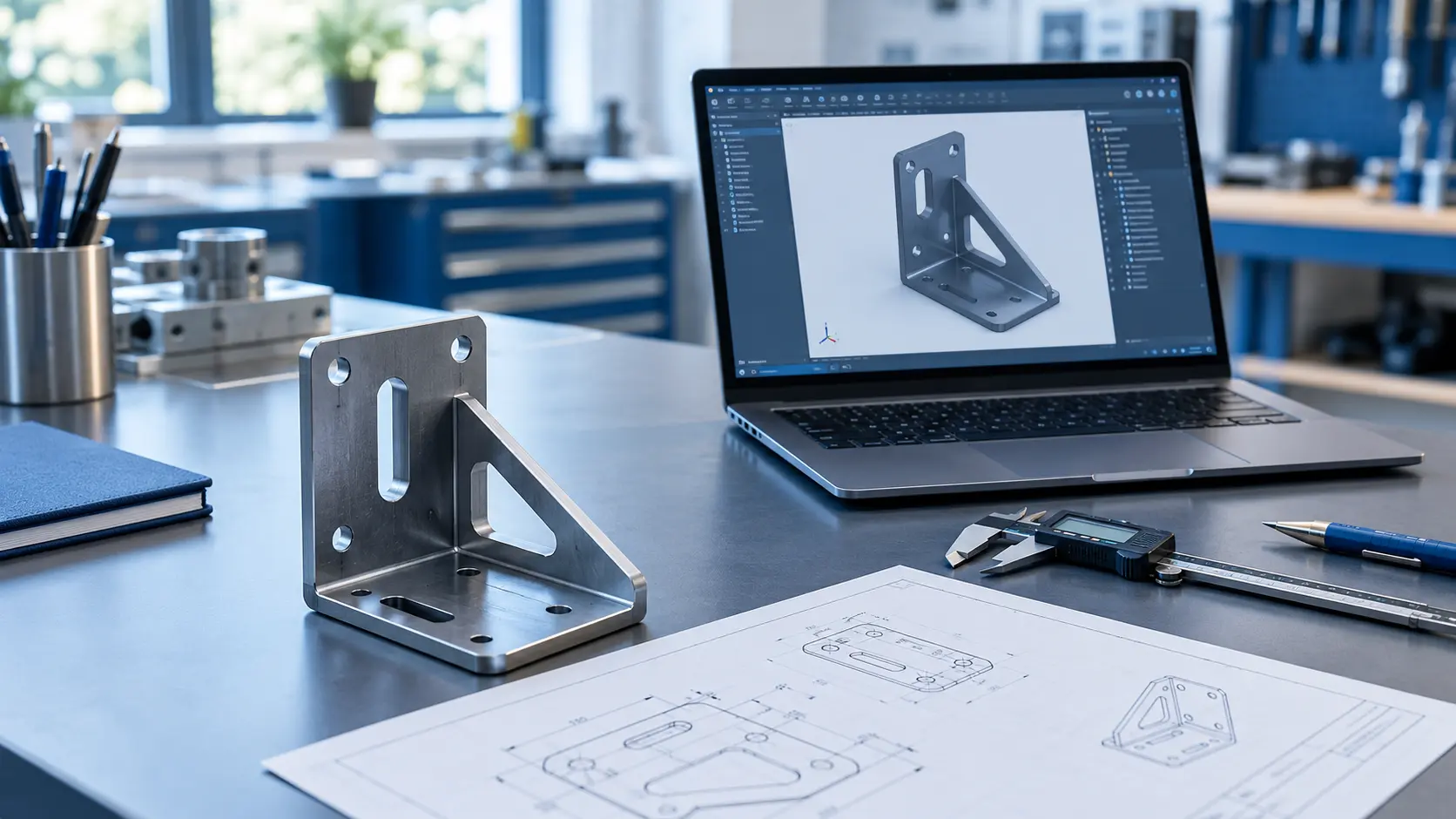
SolidWorks CAM works directly inside the SolidWorks design environment. Engineers can generate toolpaths without exporting files to a separate CAM package. The software reads the 3D model’s features automatically, then recommends machining operations based on geometry. This tight integration cuts down on programming time and reduces the chance of errors that happen when data moves between separate systems.
A good CAM service does more than generate toolpaths. It fine tunes cutting parameters, selects the right tools for each operation, and verifies the program through simulation before it touches a machine. This step alone prevents costly mistakes like tool collisions or incorrect feed rates.
Key Ways to Optimize Machining with SolidWorks CAM
1. Streamline Toolpath Programming
Toolpath programming eats up a large chunk of a machinist’s day when done manually. SolidWorks CAM automates much of this work by recognizing features like holes, pockets, and slots directly from the CAD model. The software then suggests appropriate machining strategies for each feature. This automation saves hours on complex parts and reduces the risk of human error during setup.
2. Reduce Cycle Time with Smart Simulation
Simulation lets you preview the entire machining process before cutting a single chip. You can spot collisions, check tool clearance, and confirm that feed rates match the material you are cutting. Catching these issues early helps you avoid downtime on the shop floor. Shops that run simulations consistently report shorter cycle times and fewer scrapped parts.
3. Improve Accuracy with Integrated Design Data
SolidWorks CAM pulls data straight from the CAD model, so there is no gap between design intent and machining output. Engineers update the model, and the CAM program updates automatically. This keeps tolerances tight and prevents outdated toolpaths from entering production. Precision improves because the numbers driving the machine come from the same source as the design.
4. Cut Material Waste Through Better Planning
Smart nesting and stock management features help planners use raw material more efficiently. The software calculates material needs based on actual part geometry instead of rough estimates. Our related guide on how CAMWorks nesting improves material utilization breaks this down in more depth. This reduces scrap and keeps material costs under control, which matters even more when you work with expensive alloys.
5. Strengthen Collaboration Between Design and Manufacturing
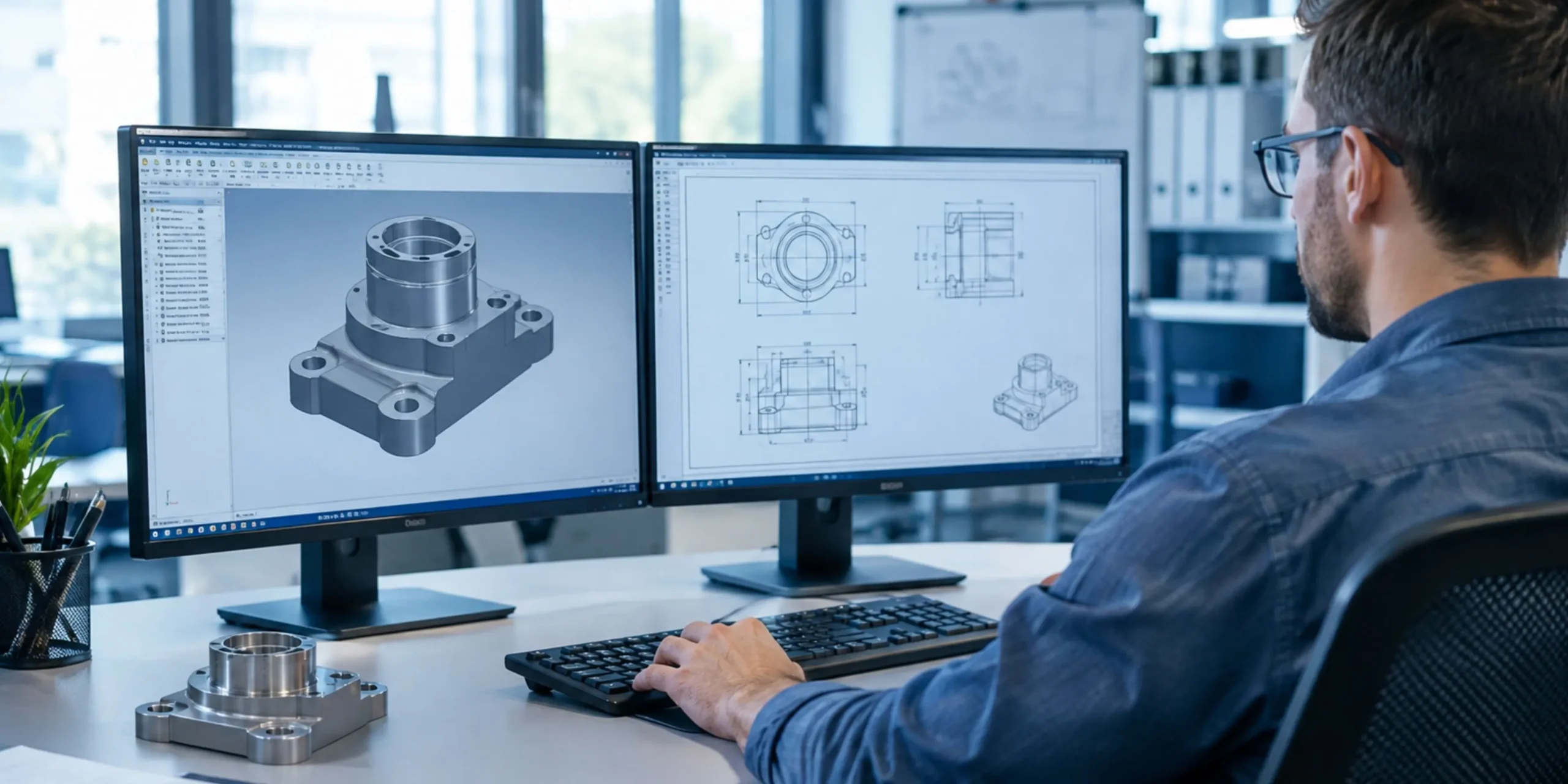
Design and manufacturing teams often work in silos, and that gap causes delays. Pairing CAM programming with accurate Solidworks Drafting keeps everyone on the same page, from the first sketch to the final cut part. Clear drawings paired with automated toolpaths mean fewer questions on the shop floor and faster approvals. When design and manufacturing speak the same language, projects move through production faster.
| Want to see how much cycle time you could cut? KEYWAY’s team can review a sample part and show you where SolidWorks CAM would save the most time. Explore our CAM services to get started. |
How SolidWorks CAM Fits into a Modern Machine Shop
A machine shop runs on tight schedules. Parts move from design review to programming to the machine floor within days, sometimes hours. SolidWorks CAM fits into this pace because it lives inside the same software engineers already use to build the model. Programmers do not need to relearn a new interface or wait for a file to translate correctly.
This matters most when a design changes late in the process. A client might request a different hole pattern or a tighter tolerance the day before production starts. Because the CAM data stays linked to the model, a quick edit updates the toolpath automatically. The programmer reviews the change, reruns the simulation, and sends the job to the machine without starting from scratch.
Choosing the Right CAM Strategy for Your Project
Not every part needs the same machining approach. Picking the right strategy up front saves time and protects your tools from unnecessary wear. SolidWorks CAM supports several strategies, and understanding when to use each one makes a real difference in shop performance.
Milling for Complex Geometry
Milling handles parts with pockets, contours, and multiple faces. SolidWorks CAM recognizes these features and applies roughing and finishing passes automatically. Programmers can still adjust stepover, depth of cut, and tool selection whenever a part calls for extra care.
Turning for Cylindrical Parts
Turning suits shafts, bushings, and other round components. The software calculates efficient cutting sequences that reduce tool changes and keep spindle time low. Shops that machine a high volume of cylindrical parts often see the biggest time savings here.
Multi-Axis Machining for Advanced Parts
Aerospace and medical parts often need five-axis machining to reach every surface in one setup. SolidWorks CAM supports these advanced strategies, which cuts down on repositioning and improves accuracy across the whole part.
Tips for Getting Started with SolidWorks CAM
Shops moving to SolidWorks CAM for the first time do not need to overhaul their entire process overnight. A gradual rollout tends to work best and keeps the whole team on board.
- Start with simple parts to build confidence in the toolpaths
- Train one or two programmers first, then expand knowledge across the team
- Use the built-in feature recognition before writing custom toolpaths manually
- Run every new program through simulation, even for parts you know well
- Review post-processor settings so output matches your specific machine controller
Following these steps helps a shop avoid the common frustration of adopting new software too quickly. Small wins early on build trust in the system, and that trust carries over as programmers tackle more complex parts.
Benefits of Partnering with Experts for CAM Services
Not every shop has the bandwidth to train staff on advanced CAM features. Partnering with a dedicated service provider gives you access to specialists who already know how to get the most performance out of SolidWorks CAM. This partnership brings several advantages:
- Faster programming turnaround for complex parts
- Reduced tool wear through optimized cutting parameters
- Fewer machine collisions thanks to thorough simulation checks
- Consistent quality across multiple production runs
- Lower overall machining costs over time
Outsourcing CAM programming also frees up your in-house engineers, so they can focus on design work instead of spending hours fine tuning toolpaths.
Common Challenges in Machining Optimization
Even with the best tools, shops run into obstacles. Outdated machine tools may not support advanced toolpath strategies. Some teams stick to manual programming out of habit, even when automated tools would save time. Training gaps create another common issue, since not every machinist gets exposure to the latest CAM features.
Addressing these challenges usually starts with a clear evaluation of current workflows. Shops that adopt new tools gradually, rather than all at once, tend to see smoother transitions and better buy-in from their teams.
Measuring the Return on CAM Optimization
Shop owners want proof that a new tool actually pays off. Tracking a few key metrics before and after adopting SolidWorks CAM makes the return on investment easy to see. Cycle time per part, scrap rate, and programming hours per job all tend to improve within the first few months.
Tool life often improves too, since simulation catches feed and speed issues before they damage a cutter. Over a full year, these small gains add up to real savings on both material and labor costs. Shops that review these numbers quarterly can spot trends early and adjust their programming approach before small issues turn into bigger costs.
Where SolidWorks CAM Delivers the Most Value
Certain industries see faster payback from SolidWorks CAM than others. Aerospace and medical device shops benefit from the tight tolerances and repeatable simulation checks the software offers. Automotive suppliers gain from shorter cycle times on high-volume runs, where even small efficiency gains multiply across thousands of parts.
Job shops that handle a wide mix of parts also benefit, since feature recognition speeds up programming on one-off jobs that would otherwise take hours to set up manually. Regardless of industry, the common thread is a workflow that connects design and machining without unnecessary delays.
Final Thoughts
Optimizing your machining process with SolidWorks CAM is not a one-time fix. It is an ongoing effort that combines smart programming, accurate simulation, and strong collaboration between design and manufacturing teams. Shops that commit to this approach see fewer errors, shorter cycle times, and lower costs over the long run.
If you are ready to take your machining process to the next level, KEYWAY offers the expertise and tools to help you get there. Their team knows how to turn a good CAD model into an efficient, reliable production run.