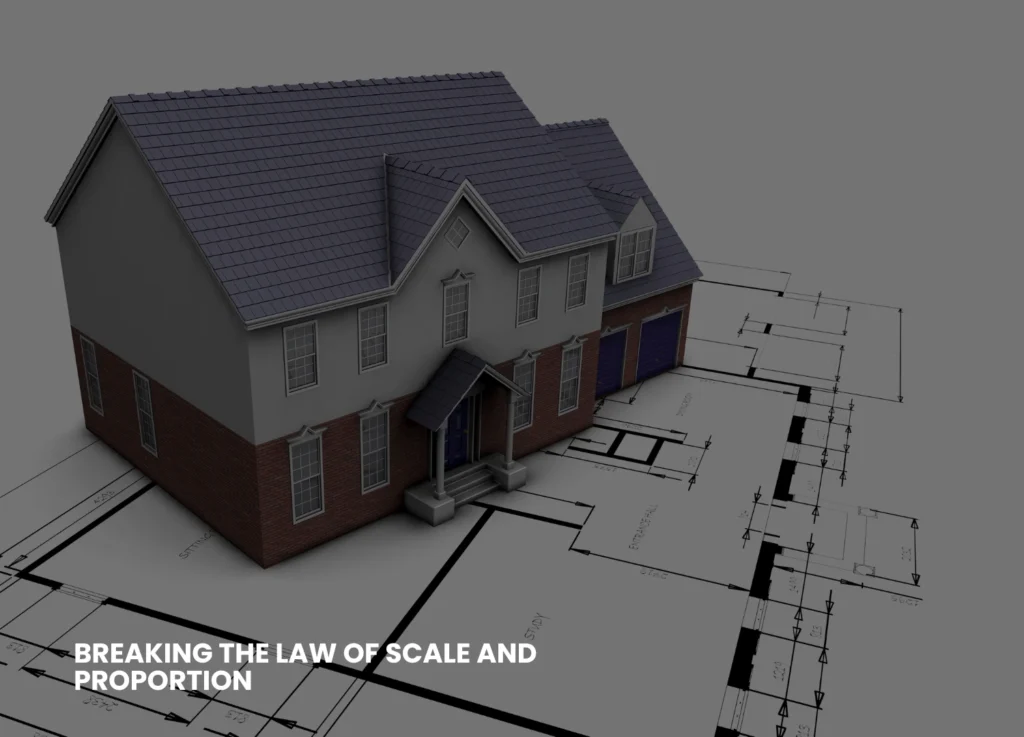



SolidWorks has a way of reducing the success of a good design to a manufacturing nightmare due to poor 2D drafting. Even minor mistakes, such as not taking into account dimensions or vague tolerances, result in scrap parts, lost production time to the point of 20 per cent or greater, and increased blown-out budgets.
This blog discloses the reasons behind such expensive errors in making a poor 2D drawing, and how to correct the errors to make the manufacturing easier and less expensive with the help of 2D Drafting in SolidWorks.

Why Is 2D Drafting In SolidWorks So Essential?
The 3D models produced by SolidWorks are beautiful, yet manufacturers are still using 2D drawings to carry out the job. Such flat views depict precise dimensions, tolerances, as well as notes, which machinists operate on the shop floor. A poor 2D illustration is a wrong interpretation of your design, which requires guessing, further leading to mistakes.
Contrary to the 3D files, the 2D drawings serve as a legal blueprint. A single slip line or missed callout can scratch a batch. Retailers state that forty per cent of the defective products during manufacturing can be attributed to drawing, and this results in thousands of dollars. Let’s have a read on some of the common mistakes.
Missing Or Inaccurate Dimensions
Incomplete measurements work like a curse for the job. The size of the dimensions is where to cut, but sizes not skipped give the operator an estimate, and parts are too big, too small or off centre.
In SolidWorks, dimensions tend to conceal unspecified views and under-constrained sketches. Extreme sizing offers too much space to the audience. Result? Assemblies are not fitted, and the assemblies are reworked at a cost of $100/hour or more.
Fix It: Systematic Smart Dimension tools. Selected Edge: The selected edge features (datums) and chain critical features, and execute the regular Drawing Checker add-in to indicate gaps. Check on the 3D model always.
Inappropriate Tolerances And GD&T
Tolerances indicate acceptable variation, and vague or absent tolerances cause tight machining to occur when unnecessary, or loose fit to occur, which cannot be used. The users of SolidWorks omit Geometric Dimensioning and Tolerancing (GD&T) symbols on the assumption that machinists will work it out.
This results in oversized holes, flats being out of shape or interference fits. Wrong positional tolerance of one engine bracket? Anticipate 5,000 scrap steel and delays.
Fix It: GD&T to ASME Y14.5. Insert stacks using SolidWorks drafting tolerance schemes, and datum features are to be inserted. Simulate Interference Detection before finalising.
Ineffective Layer And Line Management
Details are lost by looking at cluttered drawings of incorrect line weight or concealed layers. Bold outlines prevail over subtly shaded lines, or contrasting colours upon black and white prints.
Machinists fail to follow the pattern of holes or phantom lines following bends, and they drill in the wrong position. This is enhanced by printing problems, which cause colours to fade away, concealing notes.
Fix It: Pre-establish layer norms: blue: centerlines, red: dimensions. Fonts should be used correctly (solid fonts to be seen and dashed to be hidden). Export as a black and white PDF to do shop proofing.
Overcrowded Or Misplaced Views
When too many projections are put on the same sheet, it drowns the readers. The section views overlap, the exploded details block the important information, and the insets do not have the same scales.
CNC programmers select bad references, bad angle program offsets. This causes parts to be flipped or any tools to crash production to a halt.
Fix It: ISO project rules. Standard views (front, top, side) are to be used initially, with the addition of sections sparingly. Scale is described in detail and labelled explicitly: “DETAIL A, SCALE 2:1.”
| Common 2D Mistake | Manufacturing Impact | Cost Example |
| Missing Dimensions | Wrong cuts & fits | $2K per batch |
| Bad Tolerances | Scrap or failures | 15-25% waste |
| Cluttered Layers | Misread features | 10-hour delays |
| Overcrowded Views | Programming errors | $500 tool crash |
| No Flat Patterns | Sheet metal fails | 30% rework |
Ignoring Flat Patterns And Material Notes
In the case of sheet metal or weldments, laser cutting is nullified by skipping flattened views. DXF exports are also generated automatically by SolidWorks, but bends or K-factors that are not controlled result in warped blanks.
Lacking material specifications (e.g. 6061-T6 vs. 5052) implies improper feeds, burning of tools or cracking components. No bend allowances? Expect gaps in hems.
Fix It: Always insert Flatten features and check Preview. Record K-factors, grain direction, and bend radii. Generate cut lists in export-optimised DXF.
The Unspoken Costs Of These Mistakes
A single poor drawing spreads all over production. Fixes on prototype 5-50 pieces of balloons. Change orders go up to 15 per cent of the budget as engineers scramble.
- Customer returns spike – flange drilled incorrectly annuls warranty. Reputations get a hit, loss to a competitor with clean sheets. Small stores eat up $10K-50K/yr; bigger ones do six figures.
- Time adds up: Correcting a dimension error in the middle of a program will cost the programmers 4-8 hours. Divide by jobs per month, and inefficiency swallows the profits.
How SolidWorks Tools Prevent Disaster
The interface of SolidWorks contains fixes:
- Design Checker: Design standards audits.
- Bill of Materials (BOM): Automatically generates parts lists, which identify omissions.
- eDrawings: Communicate on interactive sheets in real-time.
- DimXpert: Intelligent GD&T and dimensions.
- Interference Detection: Assembly clash in 2D.
Templates demand best practices – establish them and write faster forever.
Five Ways To Bulletproof Your 2D Drafting
Here are the five steps given to safeguard your SolidWorks Drafting.
- Open a Template: Choose company standards of views, fonts and borders.
- Model First, Draw Second: 3D should be complete, and then views should be automated.
- Automate Dimensions: Auto Arrange and Baseline Spacing.
- Check in Monochrome: Print or PDF to simulate the shop conditions.
- Get Second Eyes: Products PDM before release.
- Train Regularly: SolidWorks certifications maintain skills.
Error rates will reduce by 80 per cent afterwards.
Real Shop Stories Of 2D Gone Wrong
A tooling company was hasty in making a drawing of a fixture without bends. Laser shop cut 100 sheets incorrectly -cost loss of 8000 and a 1-week delay. Tolerances of another missed hole to a gearbox cover; assemblies were stuck together, scraped at an inventory of $15K.
Flip side: Checklists cut shop rejected by 60 per cent. A single forger was able to save 20K per year by requiring flat pattern inspections.
When To Outsource 2D Drafting
Overloaded teams have more slips. ASME-compliant sheets are delivered by services within 24 hours at a price of between $50-100 each, and you are free to design. Best in peaks or complicated weldings.
Pro Tips For SolidWorks Mastery
Here are some pro tips for you that would be helpful for sure.
- Create shortcuts on Dimension and Smart Mate.
- Use Configurations for tolerance variants.
- Validate with 3D Print Utility for quick checks.
- Update drawings automatically from model changes.
SolidWorks should avoid poor 2D drafting due to high costs. Missing information, inaccurate tolerances, and messy sheets push prices up by scrap, delays and returns. Learn to master these basics using SolidWorks tools and checklists to provide clear drawings that can easily be manufactured and give high profits. Keyways offers you expert 2D Drafting in SolidWorks services with ultimate software proficiency, bringing your visionary ideas to life. To know more about the services, visit our LinkedIn.