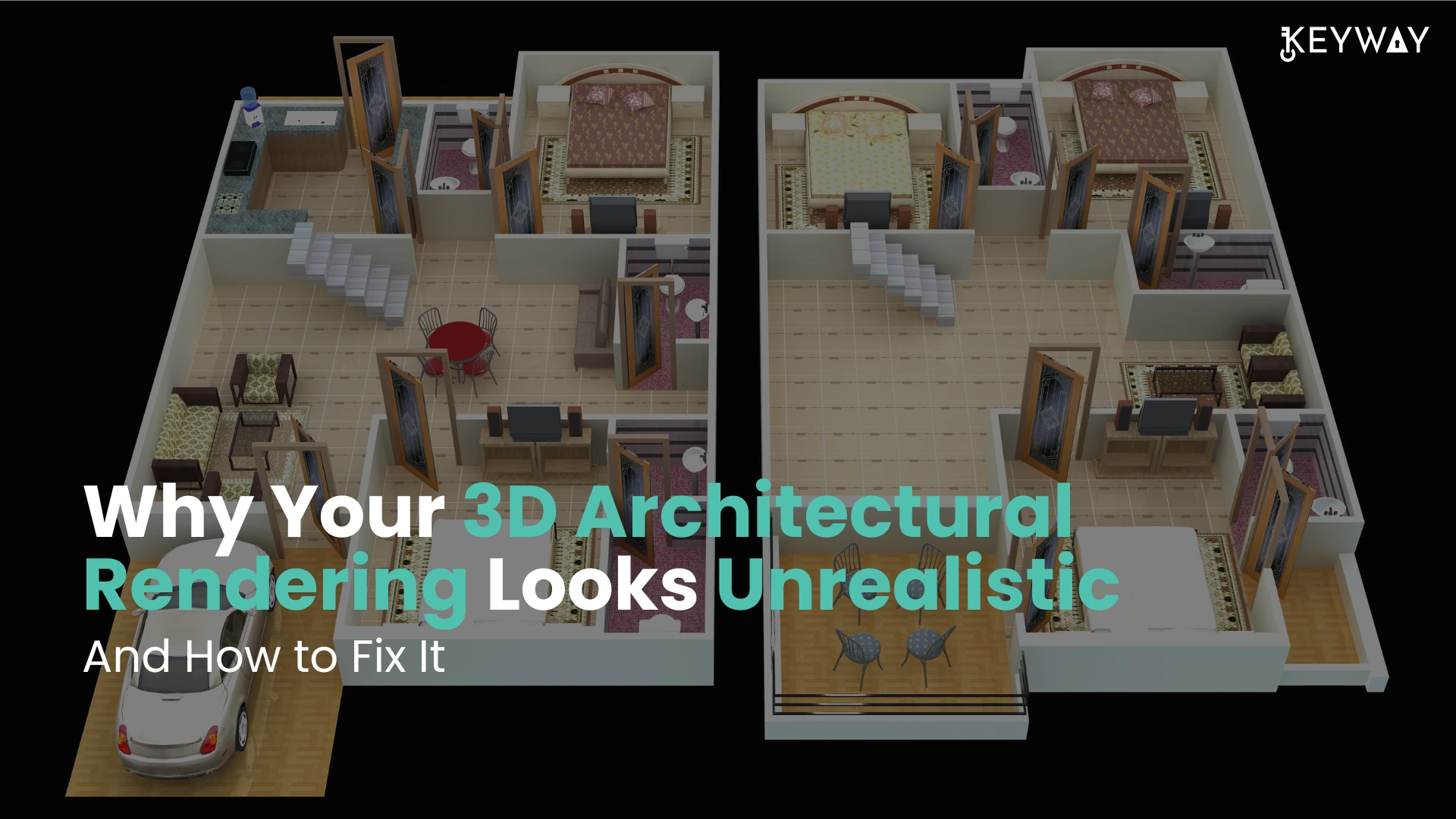
Why Your 3D Architectural Rendering Looks Unrealistic — And How to Fix It
When your 3D architectural images are more of digital toys than convincing, realistic scenes, you are not alone. Most designers find it difficult to make their visuals appear real, particularly when communicating with clients or sharing marketing properties on the internet. Here, you will get to know the most frequent causes of your 3D architectural renders not appearing real and how these problems can be resolved with simple and easy steps that even novices can manage. One can also opt for 3D architectural rendering services from a reliable service provider.
Why 3D Architectural Renderings Are Unrealistic?
The majority of the realism issues in 3D art rendering are a result of omitted details, lack of artistry, or technical compromises. Let’s explore the top causes here.
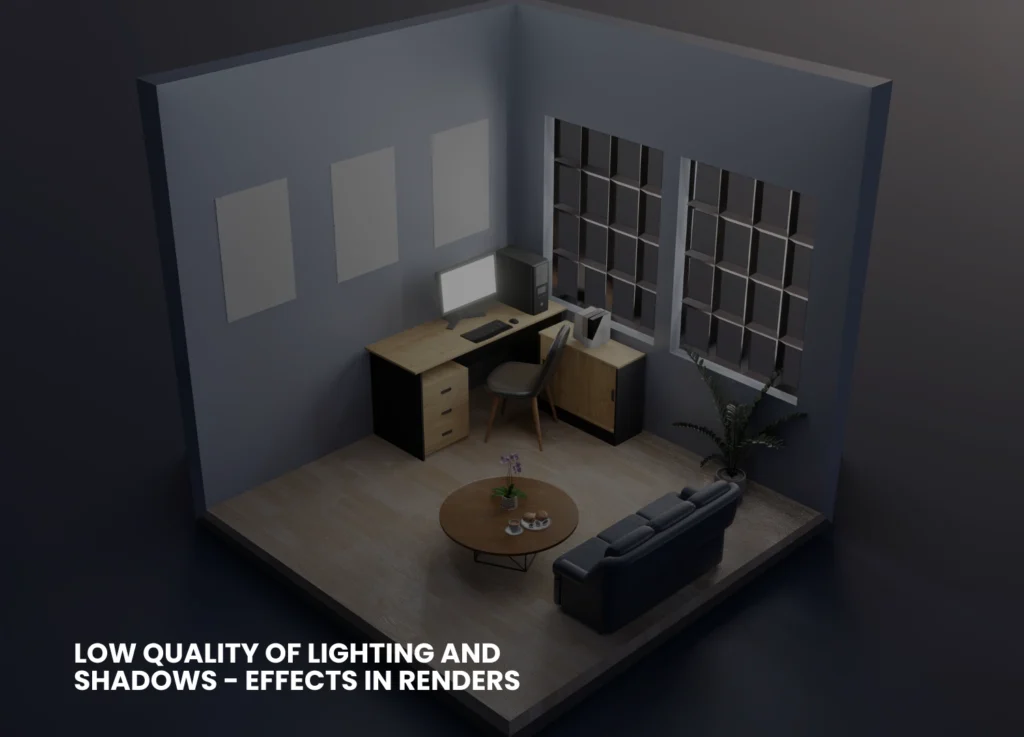
Low Quality of Lighting And Shadows
The most significant thing that can distinguish between fake, flattened pictures of objects and the true, photorealistic images is lighting. Poor/improper lighting, such as the absence of enough bounces of light, a wrong shadow model, or a lack of global illumination, causes surfaces to appear sterile and dull.
Inappropriate Textures And Flat Materials
Repeating low-resolution textures (i.e., tiles of wood or artificially smooth concrete) is a tell-tale sign of digital creation of your scene. Likewise, materials that do not respect reflectivity, bump mapping, or minor flaws always appear off-color.
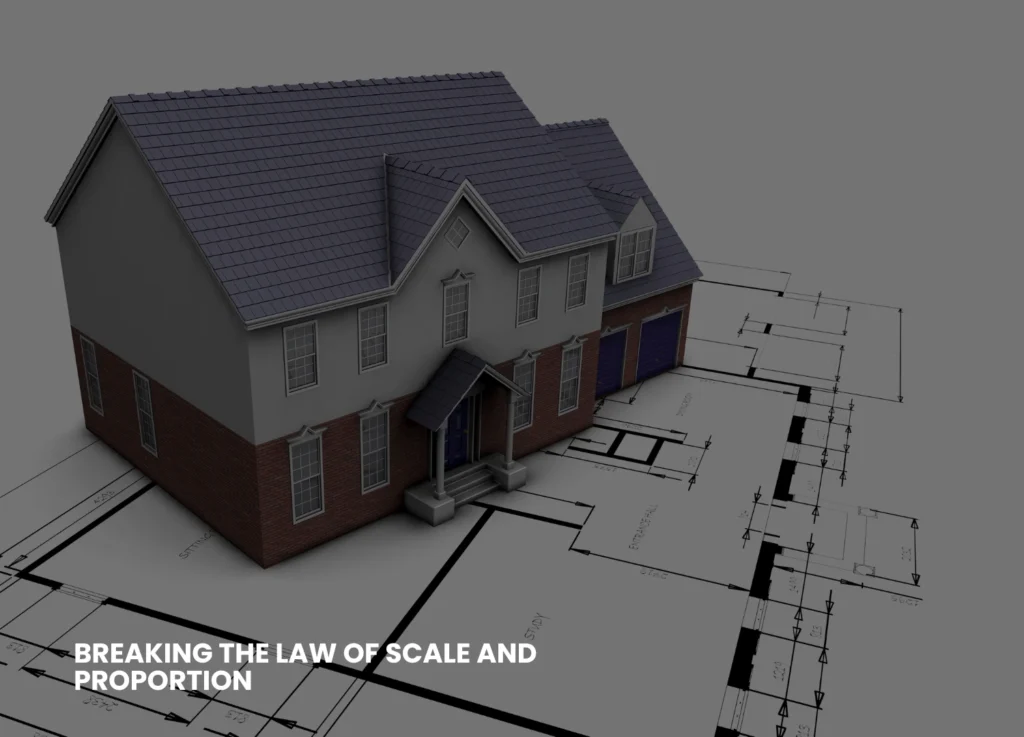
Breaking The Law of Scale And Proportion
When the door is too tall, the window too small, or the proportions of furniture appear strange, viewers will immediately know that something is not right–not necessarily the reason why. They need to be consistent with actual architectural dimensions.
Lack of Detail And Context
Bare images with a minimal number of objects or no elements of everyday life (people, clutter, vegetation) are like empties rather than inhabited places. In isolation, even a technically correct model does not give a realistic impression.
Unnatural Camera Angles & Composition
Capturing views of a space that assume the God’s eye view or the ultra-wide views without considering the view of individuals who will be using the space can cause the image to become unnatural. Framing and real- world focal length are required to be good and realistic for realistic 3D renders, respectively.
Too Clean And Perfect
Nothing in the real world is pristine; there is always a crack, a stain, a patch of muddy grass, or a worn-out detail. A perfect surface in the rendering seems soulless and unnatural.
The Secret To Making More Realistic Renders
The good news? All these can be fixed, just a little knowledge and the desire to include (or omit) detail where necessary. Here are a few ways to assist you in making your 3D architectural rendering more realistic.
Master Lighting Techniques
➔ Make physically-based lighting systems in your 3D software. Use sunlight, environmental lights (HDRI), as well as realistic light color temperatures.
➔ Activate global illumination and permit sufficient light bounces to decrease the shadows and replicate the effects of the real world.
➔ Test time-of-day settings. There are warm shadows produced during the golden hour (early morning or late afternoon).
Improve Textures And Materials
➔ Every time, employ high-resolution textures that are based on real materials. The mapping coordinates should be randomized to avoid their obvious repetition.
➔ Add bump, normal, or displacement maps to provide surfaces with depth and touch.
➔ Make it look like it is a real-life situation by adding some roughness, dirt, or flaws.
Check Your Scale-Always
➔ Draw based on a correct floor plan or architectural blueprint, with the correct units throughout your
design workflow.
➔ Before rendering, make sure that proportions are checked by putting a reference human (a figure of average height) in your scene. You can also opt for professional 3D architectural rendering services.
Insert Environment Information And Context
➔ Provide the room with life-like models- space can be made relatable by having curtains, rugs, books, or electrical outlets.
➔ When dealing with exteriors, add such street elements as streetlights, trees, benches, or mailboxes. ➔ Minimal, minute details assist the viewer in envisioning the life that occurs in the renders.Select Natural Camera Angles
➔ Place your camera at human eye height (approximately 1.6 meters).
➔ Most interiors take normal focal lengths (35-50mm equivalent), which are not extreme wide-angles-only very necessary.
➔ Squeeze the composition using the rule of thirds to create a welcoming architectural visualization quality.
Adopted Controlled Imperfection
➔ Break up perfect symmetry. Slide or lean a picture frame.
➔ Vary wear and tear: scuff marking on floors, fingerprinting on glass, or some minor weathering of wood.
➔ You can add some personal details, such as pillows out of place, shoes at the door, or coffee cups uncleaned.
Use Atmospheric Effects
➔ Light haze, subtle fog, or soft depth of field may add to the impression of space and realism- when done sparingly.
➔ The post-production effects should not be too excessive; colors, brightness, and contrast must remain in the range of real photography.
Learn From Real Photography
➔ Examples taken from areas like your project.
➔ And see the play of light upon materials, and the impressions of objects, or the appearance of actual shadows, and repeat these in your renders.
Quick Troubleshooting Checklist For You
Here are some of the questions you must ask yourself.
➔Have all the materials been mapped properly, at natural scales?
➔Do the sources of light make sense?
➔Are there shadows and reflections of the objects?
➔Have you put in environmental things and evidence of everyday life?
➔Do proportions and measures go hand in hand with plans?
➔Does your end product have visible repeat material and unnatural finishes?
Common Mistakes and How to Fix Them
Here’s a table to summarize common mistakes that need to be avoided and their fixation.
Problem
Solution
Flat Lighting
Add global illumination, tweak shadows
Fake-Looking Materials
Use high-res, physically correct textures
Bad Composition
Adjust camera angle and lens, frame shots better
Lack of Real-World Detail
Add clutter, imperfections, and life-like touches
Scaling Errors
Always build to true size, cross-check proportions
Sterile, Empty Spaces
Populate with furniture and people, add context
Final Thoughts
Computer-generated art and science combine to create realistic 3D architectural renderings. Although contemporary software offers you nearly infinite possibilities, it is your focus on the details, light, material, proportion, and life that makes a sterile 3D model a scene that evokes emotion and imagination in the viewer. The fundamental errors will be corrected, and hence, the next time you present or market your image, it will not just awe your clients but will make them see what you have visualized in the future. Be inspired and never stop practicing, and you will always find the magic in the real world to bring it to your renders. Keyway offers you tailored rendering and animations to provide you with seamless integration of graphic expertise. For more information on our business, visit our LinkedIn.